
How to Upgrade Older Infotainment Systems
- marco402364
- Aug 4
- 5 min read
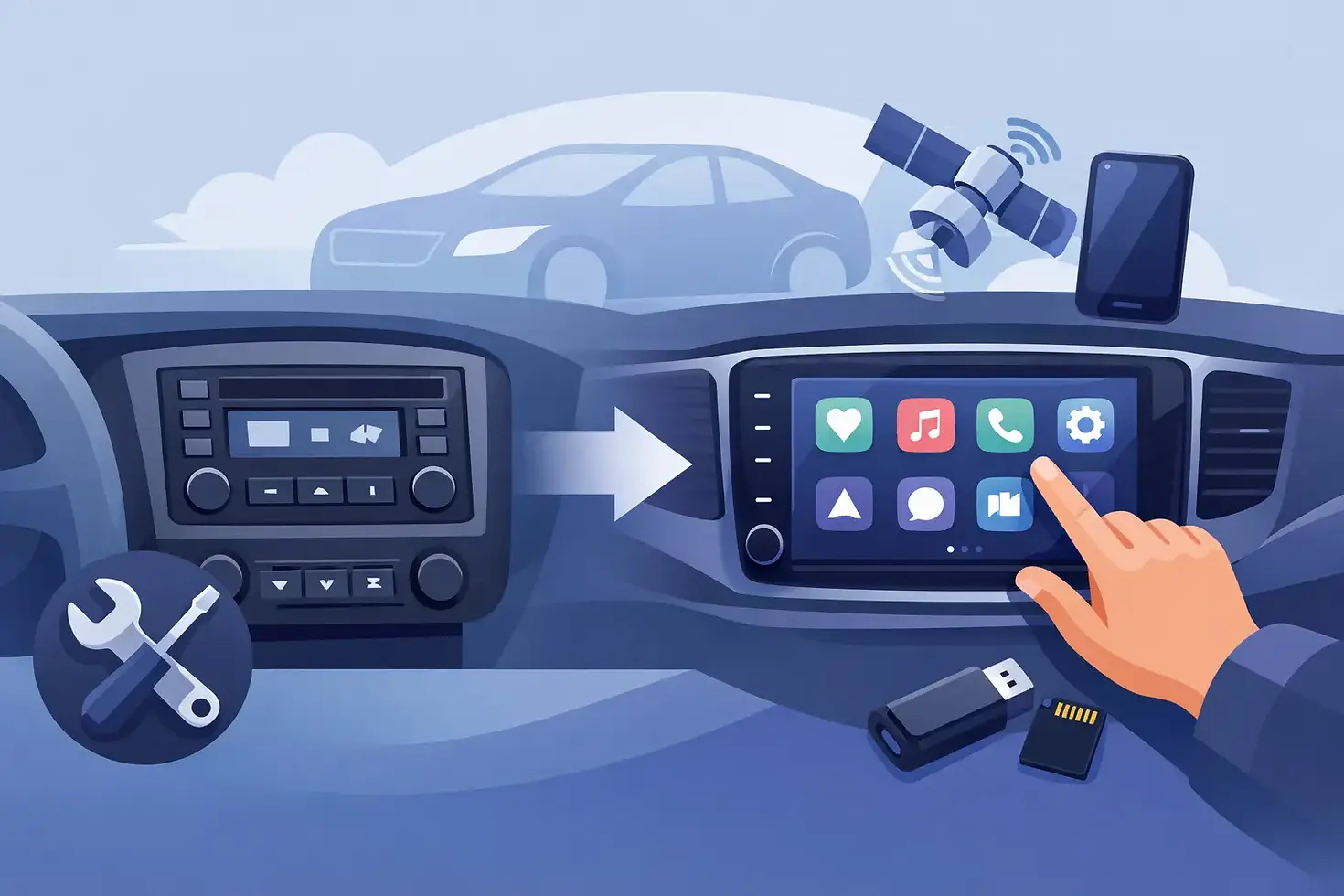
Your vehicle may still drive like it belongs in the future, yet its infotainment system can feel stuck a decade behind. If you want to upgrade older infotainment systems without replacing the factory screen, losing OEM controls, or changing the character of a premium interior, an integrated Apple CarPlay and Android Auto solution is often the right move.
For luxury and high-end vehicles, the goal is not to fill the dash with generic aftermarket hardware. It is to add the technology you use every day while preserving the design, controls, camera functions, and factory fit that made you choose the vehicle in the first place.
Why Factory Infotainment Starts to Feel Outdated
A vehicle can have leather, performance, a premium sound system, and advanced driver assistance features, then still ask you to rely on an old navigation interface or a Bluetooth connection that barely does the job. That gap becomes more noticeable when your phone already handles maps, calls, music, messages, and voice commands better than the factory software.
Older systems commonly lack wireless connectivity, current map data, familiar voice control, and the app ecosystem drivers expect. Even when a vehicle has a large factory display, its software may predate Apple CarPlay and Android Auto entirely. Replacing the whole head unit might appear to be the easy answer, but on sophisticated vehicles, it can create new compromises.
Modern OEM infotainment systems are tied to far more than music. They may control climate settings, parking cameras, vehicle menus, safety alerts, steering-wheel controls, amplified audio, and factory microphones. A universal replacement radio can alter the look of the cabin and may require extra adapters to retain essential features. In some vehicles, it is not a practical option at all.
Upgrade Older Infotainment Systems Without Replacing the Screen
A vehicle-specific integration module adds smartphone functionality to the factory system instead of asking the factory system to disappear. With the right hardware and professional installation, the original display, buttons, rotary controller, steering-wheel controls, and audio architecture stay in place.
The module works alongside the OEM infotainment platform. When activated, it brings Apple CarPlay or Android Auto to the factory screen, allowing you to use compatible navigation, music, calling, messaging, and voice assistant features through an interface you already know from your phone. When you need the original vehicle menu, camera view, radio, or settings, those functions remain available.
This is a different standard from a dash-mounted tablet, a screen glued over the factory display, or a full radio replacement. The finished result should look intentional, not improvised. For owners who care about resale value, factory aesthetics, and correct operation, that distinction matters.
What You Keep With an Integrated Upgrade
The exact features depend on the vehicle, model year, and module selected, but a properly matched integration can preserve the parts of your factory experience that are worth keeping. That commonly includes the OEM screen, original dash appearance, steering-wheel buttons, factory audio, backup camera, parking sensors, and vehicle configuration menus.
In many premium vehicles, retaining the original controls is more than a cosmetic preference. The factory controller may be the safest and most natural way to operate the screen while driving. A good integration is designed to work with that rhythm rather than force you to learn a completely new setup.
What You Gain
Apple CarPlay and Android Auto put the apps and services you actually use within reach of the factory display. Navigation through your preferred map app can provide current traffic information and destinations from your phone. Streaming audio, hands-free calls, messages, and voice commands become far more convenient than relying on legacy infotainment software.
Wireless operation may be available for certain vehicle and module combinations, while others use a wired connection for consistent performance and phone charging. Neither is automatically better. Wireless is convenient for short trips, while a wired connection can make sense for long drives or drivers who prefer a dependable charge.
The Vehicle Matters More Than the Trend
Not every infotainment upgrade is interchangeable. A module that works beautifully in one BMW, Mercedes-Benz, Porsche, Audi, Land Rover, Lexus, or GM vehicle may not be appropriate for another year or trim. Screen type, factory audio package, original camera system, control layout, and existing phone connectivity all affect compatibility.
That is why a vehicle-specific assessment should come before choosing hardware. The right questions are practical: Does the vehicle already have a factory camera? Is it equipped with a premium amplifier? Does it use a touchscreen, a rotary controller, or both? Do you want wired CarPlay, wireless CarPlay, Android Auto, or access to both platforms for multiple drivers?
A specialist installer also considers how the upgrade behaves after installation. The system should boot correctly, switch between OEM and smartphone interfaces cleanly, route audio properly, and maintain the functions the driver uses every day. Premium vehicles deserve more than a module installed behind the dash and a hope that everything works.
Why Professional Installation Is Worth It
Modern vehicle electronics are tightly integrated. Accessing the infotainment system may require careful removal of trim, displays, console components, or factory modules. One rushed clip, damaged panel, loose connector, or poorly routed cable can turn a premium upgrade into an expensive irritation.
Professional installation is about protecting the vehicle as much as adding technology. Experienced technicians use the correct procedures for disassembly, maintain clean wiring practices, secure components properly, and test the system before returning the vehicle. The objective is simple: the upgrade should feel like it was always meant to be there.
There is also a troubleshooting advantage. If audio is not routing as expected, a factory camera does not display correctly, or a vehicle menu behaves differently after installation, diagnosing the issue requires knowledge of both the specific module and the OEM architecture. General car audio experience is useful, but factory-integrated infotainment work rewards specialization.
At Alien Garage, the approach is built around OEM-preserving upgrades for owners who expect precision. Powered by Extraterrestrial Technology does not mean adding unnecessary gimmicks. It means selecting the right solution, integrating it correctly, and respecting the engineering already inside the vehicle.
When a Full Head-Unit Replacement Does Make Sense
Factory integration is not the answer for every car. In an older vehicle with a simple single-DIN or double-DIN radio, limited factory electronics, and no integrated vehicle menus, a quality aftermarket head unit can be a sensible and cost-effective upgrade. It may offer a larger display, stronger audio adjustment options, and built-in CarPlay or Android Auto.
The trade-off is most apparent in newer or higher-end vehicles. If the infotainment system manages multiple vehicle functions, a head-unit replacement can require a stack of interfaces and may still leave the dash looking less factory-correct. For those vehicles, an integrated module is usually the cleaner path.
The best choice is not about following one rule for every vehicle. It is about deciding what needs to improve, what must remain untouched, and how much factory integrity matters to you.
Getting the Most From Your New Connectivity
Once your factory display supports CarPlay or Android Auto, set it up with intention. Organize your phone's app layout so navigation, music, and communications are easy to access. Keep notifications focused, use voice commands whenever possible, and avoid turning a better screen into another distraction.
If more than one person drives the vehicle, confirm that the upgrade supports the phones and platforms you use. A household split between iPhone and Android may need a solution that accommodates both. Also consider whether your daily routine favors a wireless connection or a cable that charges the phone during the commute.
A thoughtful infotainment upgrade does more than add a familiar icon to the screen. It makes the vehicle easier to live with while protecting the factory design that still makes it special. Choose the integration that respects both sides of that equation, and your cabin can feel Out of This World without looking aftermarket.


Comments